Rhino to IDEA StatiCa workflow
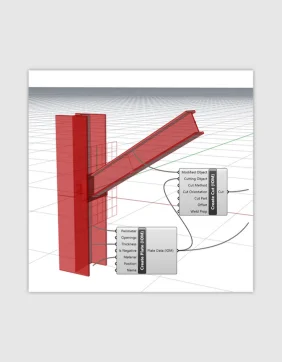
Model geometry in Rhino or Grasshopper
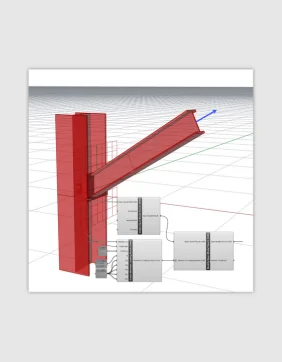
Define FEA model results in Grasshopper
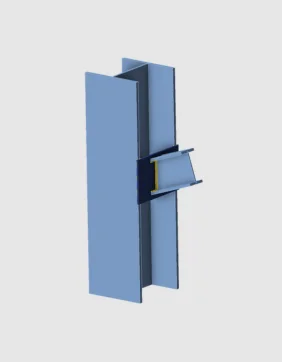
Export IOM and import into IDEA StatiCa
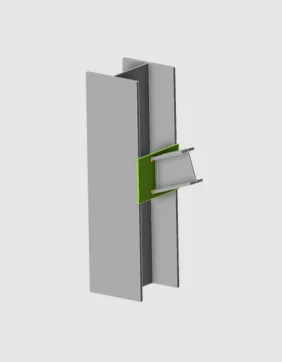
Code-check your connection
Model geometry in Rhino or Grasshopper
Define FEA model results in Grasshopper
Export IOM and import into IDEA StatiCa
Code-check your connection
About the Rhino/Grasshopper plugin
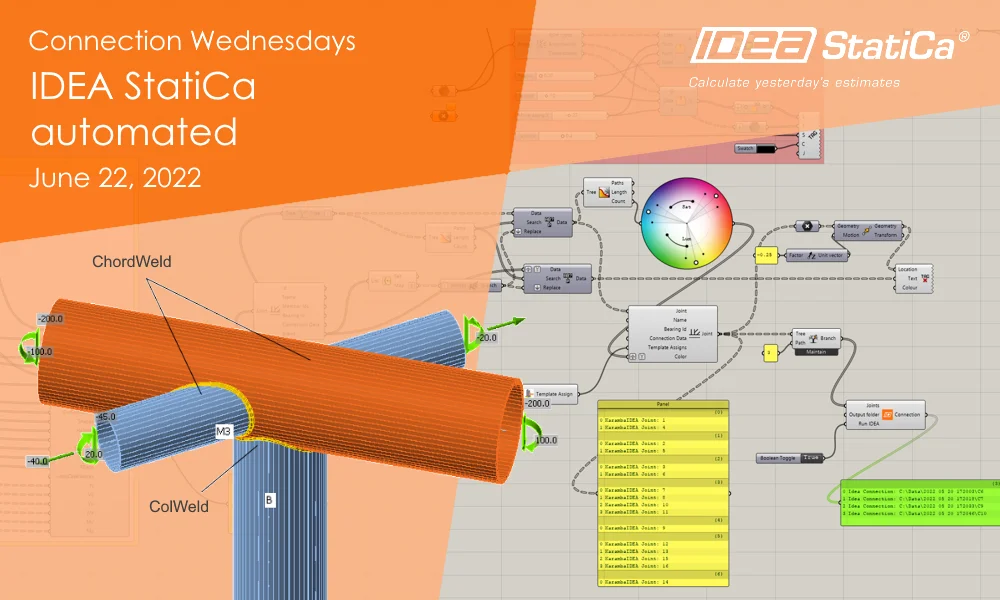
IDEA StatiCa works with your Rhino and Grasshopper. Rhino and Grasshopper is a powerful CAD modeling platform with a large array of plugins available for the architectural and engineering industry. Combining Grasshopper with IDEA StatiCa's Open Model creates an extremely powerful platform for the parametric definition of complex connection geometry. Members, cross-sections, and operations (bolts, holes, welds, and cuts) can all be defined in the IDEA StatiCa Grasshopper plugin.
IDEA StatiCa also provides the ability to link 3D-modelled geometry with imported FEA model results in a powerful way to create BIM Links with any CAD or FEA package that interacts with Grasshopper.
Note: This extension/link is currently in preview mode and in ongoing development. We cannot currently guarantee compatibility between each version of the plugin.
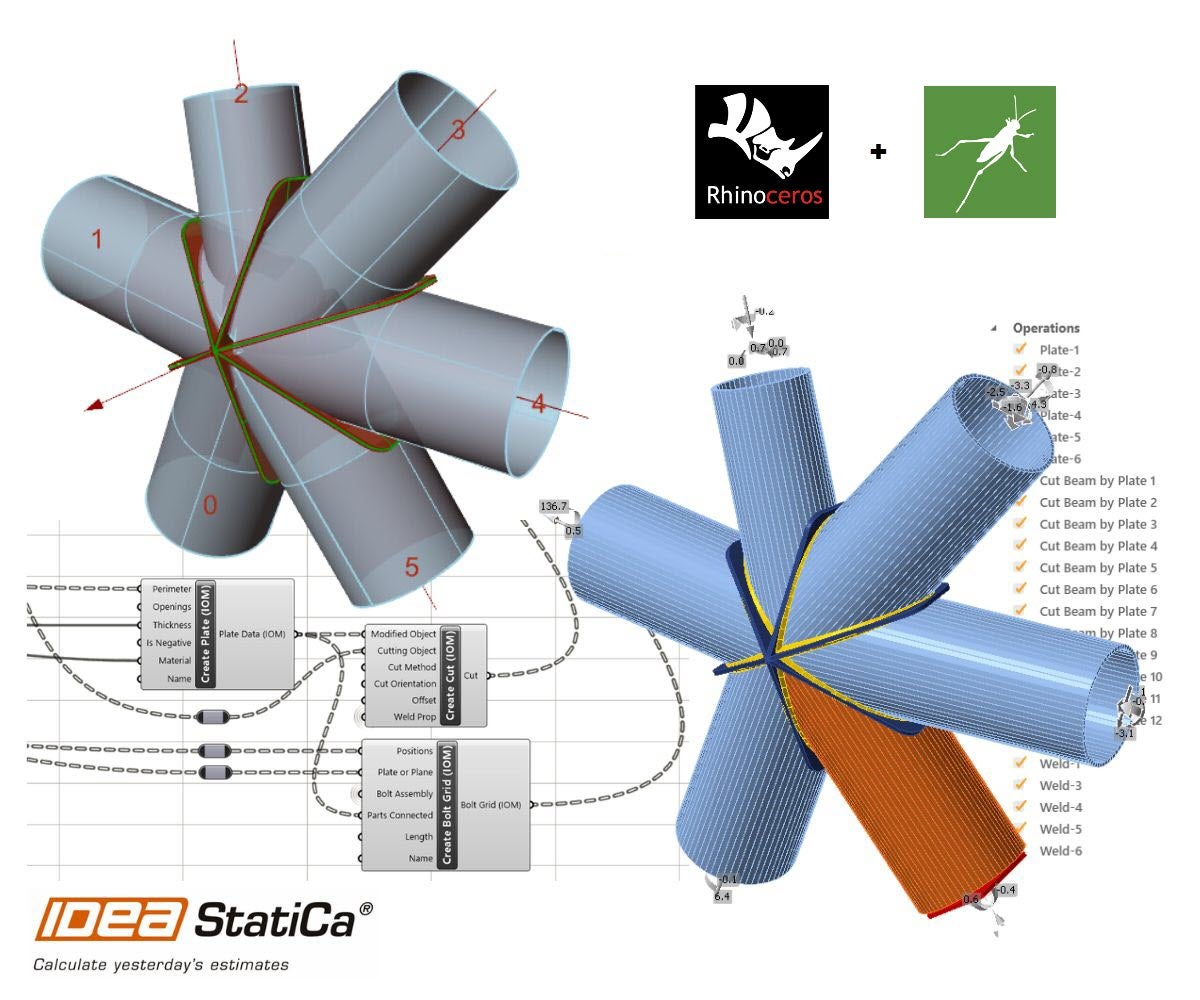
Linked applications: IDEA Open Model, IDEA StatiCa Connection, IDEA StatiCa Checkbot (Standalone)
IDEA StatiCa version 21.1 and newer (October 2021 onwards)
- Generate geometrically complex connections with all bolts, cuts, and welds.
- Model and export multiple connections using IDEA Open Model.
- Link geometry and results by creating linked Open Model Result files.
- Import and export connection geometry to and from third-party applications that interact with Rhino and Grasshopper.
- Import created IOM files into Checkbot for connection and member management and design.
Read more about How Checkbot works.
How to get started
To get started, download the plugin through the Rhino Package Manager. Just search for IDEAStatiCa.
You can use the IDEA Open Model components for free to design complex connections. A license is required to send directly to IDEA StatiCa Connection for calculation.
Known limitations
- Currently, for the plugin to work properly, the Rhino Units must be set to meters.
- All input units should also be specified in basic SI units, which follow the IDEA Open Model designation.
Articles and tutorials
Examples
Examples are shipped with each version of the plugin. You can access an example by navigating to the plugin installation folder on your computer, typically this is stored at “%appdata%\McNeel\Rhinoceros\packages\7.0\IDEAStatiCa\0.1.1\Examples.zip”
Help and Feedback
These tools are enhanced with close collaboration with advanced users and their required workflows.
We are keen to hear any feedback or suggestions to improve the functionality. The best way to provide feedback is through the forum on the IDEA StatiCa GitHub.
Provided you want to learn more about Grasshopper in general, we encourage you to reach out to Kris from Learn Grasshopper and look for educational materials or ask for training.