
Idea Statica
Steel
Steel overview
Connection design
Member design
Parametric design
Steel case studies
Concrete
Concrete overview
Walls and D-regions
Anchoring design
Concrete case studies
BIM & Workflows
BIM Overview
Supported integrations
Checkbot
Viewer
APIs
Support & Learning
Support Center
E-learning & certification
Blog
Downloads & Licensing
Pricing
Plans
Free community tool
Enterprise customers
Students & educators
How much will you save?
Company
About us
Contact
Research & development
Authorized resellers
Meet our customers
14-Day Trial
Support CenterKnowledge BaseAdvanced analysis types for your steel structures
Advanced analysis types for your steel structures
SteelConnection designMember designKnowledge baseConnection

Advanced analysis types for your steel structures

This article is also available in
ENCSDEESFRITPTNL

Learn more about the full potential of both of our applications dedicated to analyze and code-check your steel connections and members.

Choose from different types of analysis in Connection

Apart from your analysis of stresses in the joint, you can verify buckling, whether parts of your connections aren‘t too slender. You can check stiffness – is it rigid, pinned, or something in between? We can do capacity design for seismic check – make sure the plastic hinge forms where it should and the rest of the joint is OK. And of course, you have your code formulas included as well.

Find out how to change the analysis type.
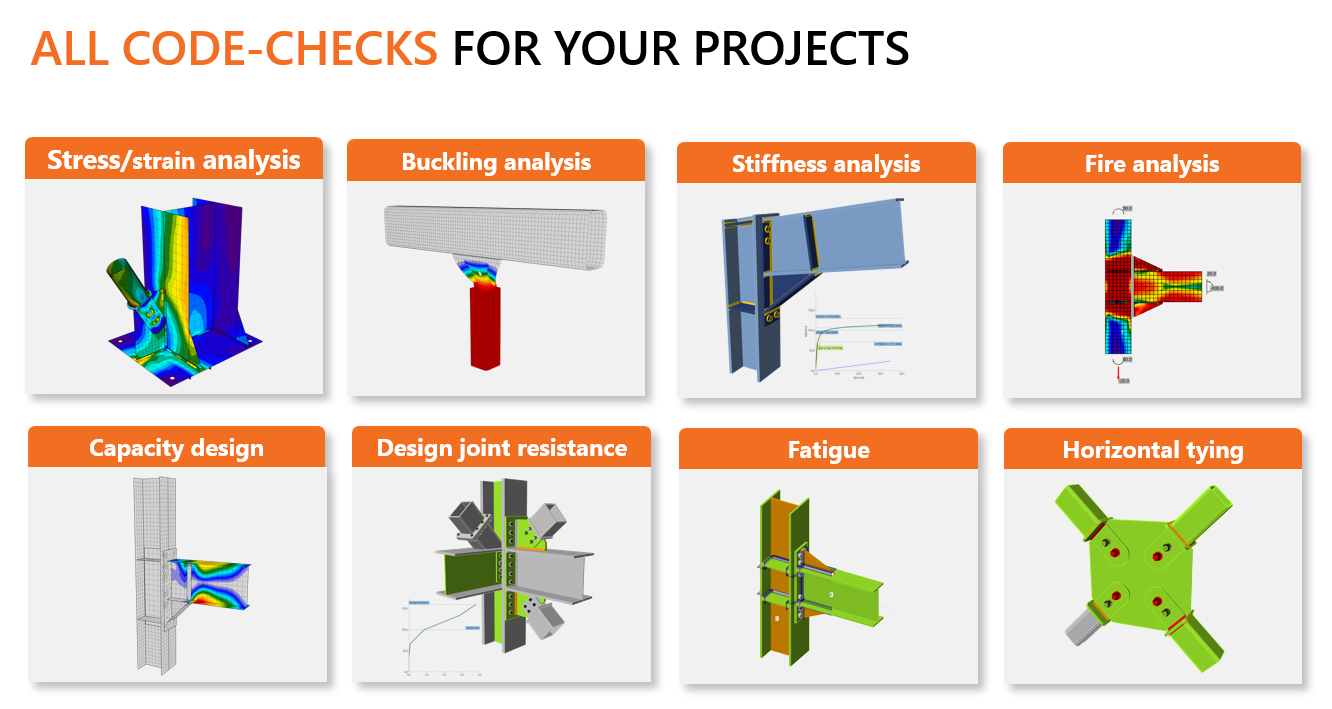
If you are interested in our different types of analyses read more in the dedicated articles.

  • Stress/strain analysis of steel joints (default)
  • Buckling analysis (tutorial in EN or AISC)
  • Stiffness analysis (tutorial in EN or AISC)
  • Steel connection capacity design (tutorial in EN or AISC)
  • Joint design resistance (tutorial in EN or AISC)
  • Fatigue analysis type in structural design 
  • Fire design
  • Horizontal tying resistance

Analyze your structural member and check its stability in Member

IDEA StatiCa is not just about steel connections. We have another great tool to analyze the whole structural member in case you need a more precise solution to investigate the stability issues. 

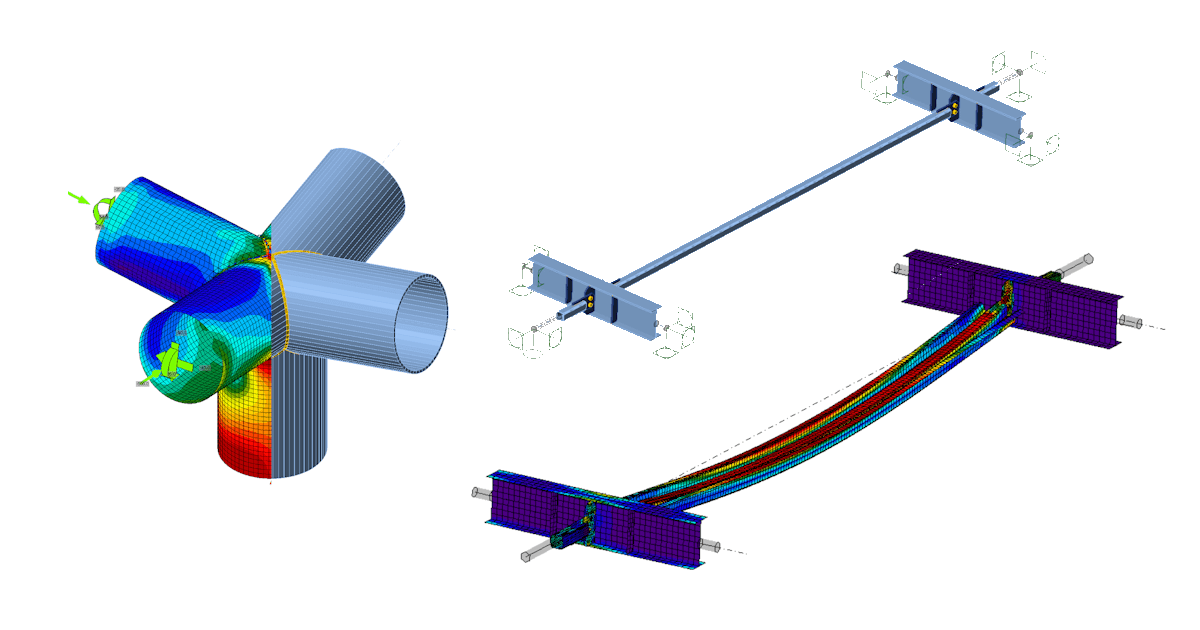
In IDEA StatiCa Member, you can find the three-step analysis workflow. The first step (Materialy Nonlinear Analysis – MNA) corresponds to the standard stress/strain analysis of the CBFEM model with the non-linear material. This model is subsequently used for the analysis of linear buckling (LBA) where the most critical buckling shapes are evaluated and displayed. In the third step, the selected shapes are loaded with a geometrical imperfection, and a full nonlinear analysis (GMNIA) is performed, which provides the final results.

Read more about IDEA StatiCa Member in its Theoretical Background or start with a tutorial.


Do you like to work with IDEA StatiCa? Ask for commercial license.

Get an offer

Subscribe to our newsletter

Company

  • About us
  • Partnerships
  • Job openings
  • Patented technology for structural engineers

Resources

  • Customer projects
  • Case studies
  • IDEA StatiCa Connection Library
  • Concrete verifications

Legal

  • IDEA StatiCa END USER LICENSE AGREEMENT
  • Privacy policy
  • Terms of Services – IDEA StatiCa Viewer
  • Licensing

Help

  • Contact
  • Get price quote
  • IDEA StatiCa Specialists
  • Download the latest version
FacebookInstagramLinkedInYouTube

© IDEA StatiCa 2009-2026

Trusted and used worldwide by engineers, fabricators & consultants.