
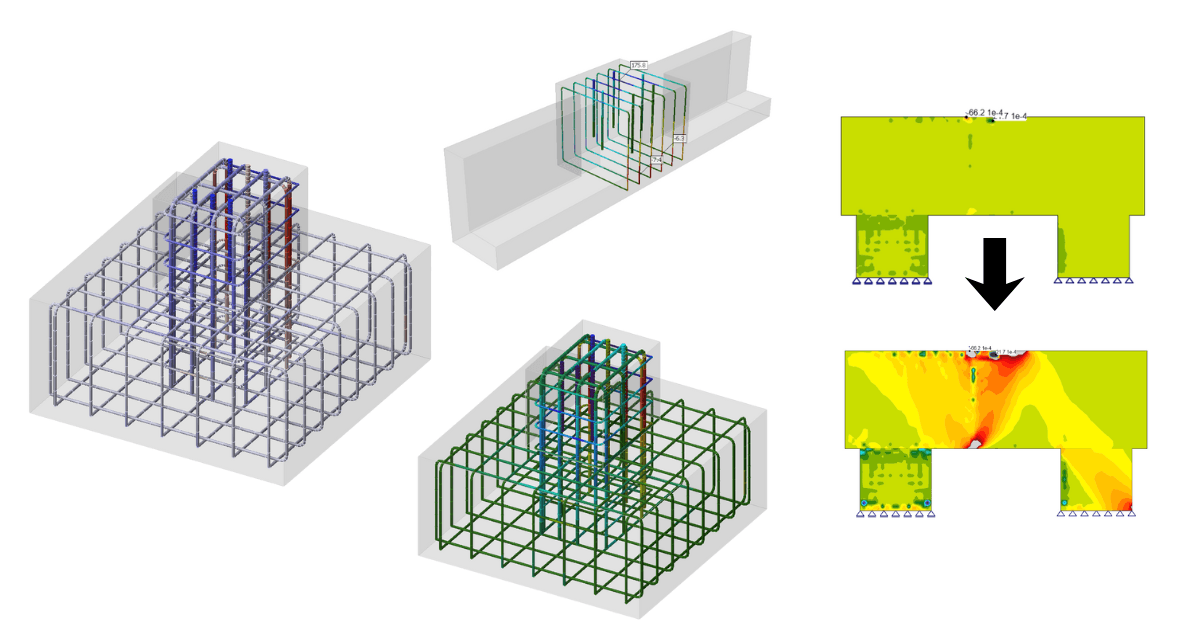


"Rainbow Colors“ for reinforcement
For displaying reinforcement results, it is possible to choose between so-called rainbow coloring or red-and-blue coloring (which distinguishes between tension and compression).
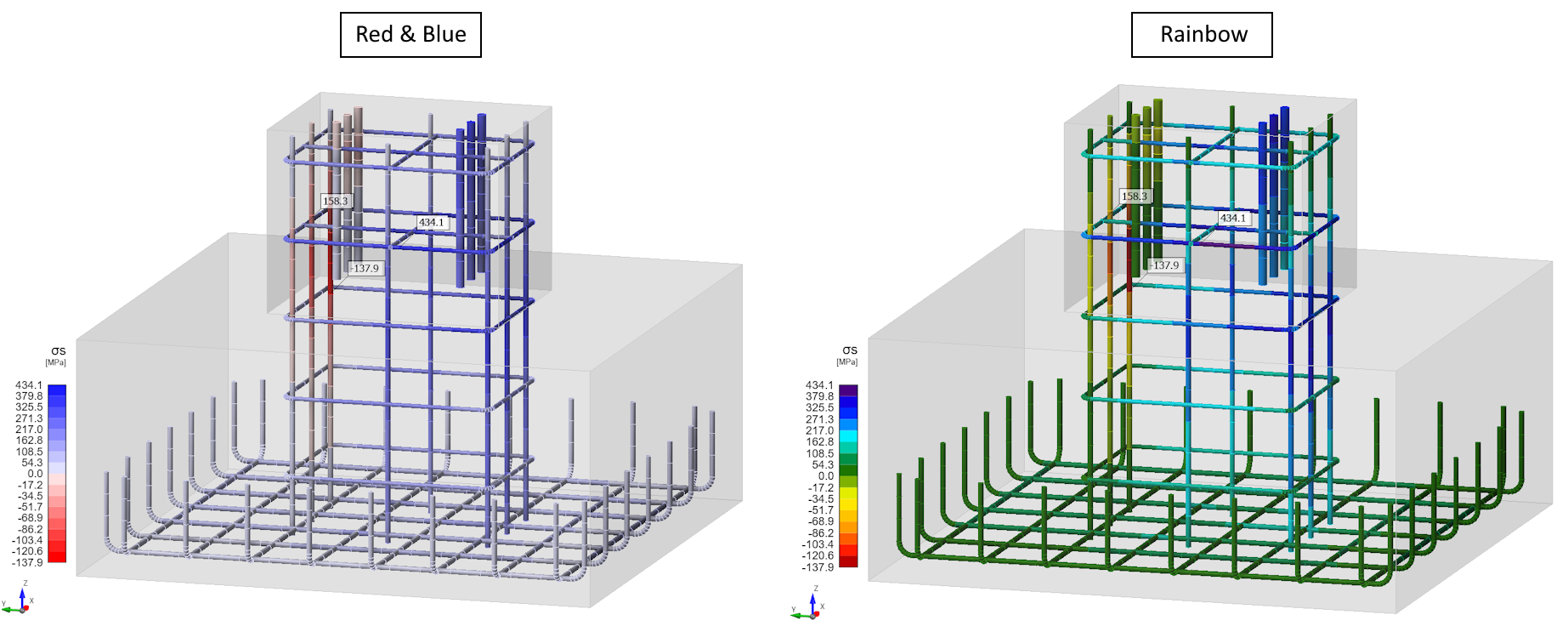
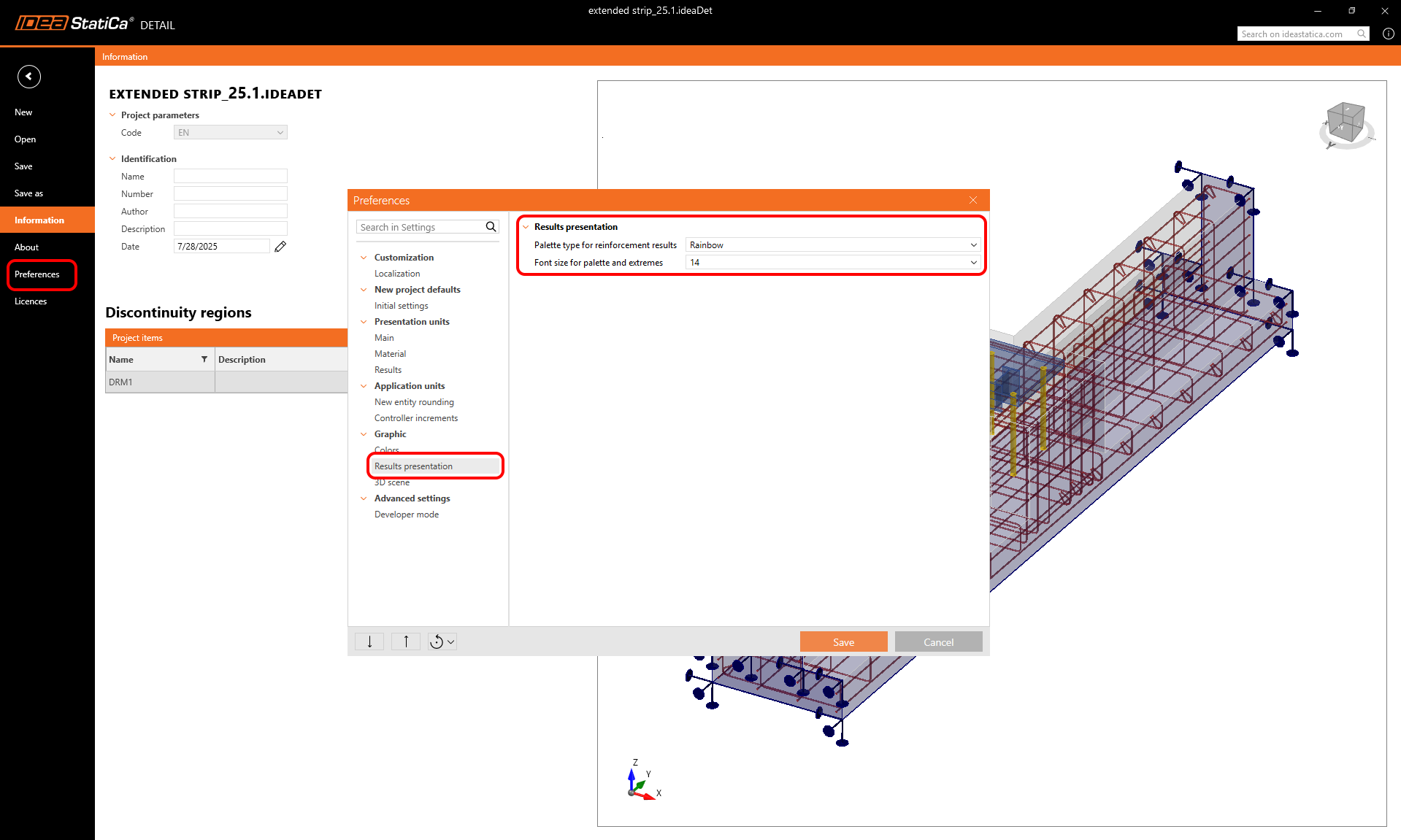
This setting can be adjusted in the preferences dialog and is saved with the application settings for future projects. Similarly, it is possible to define the font size for values displayed in the scene.
Custom limits for the results palette
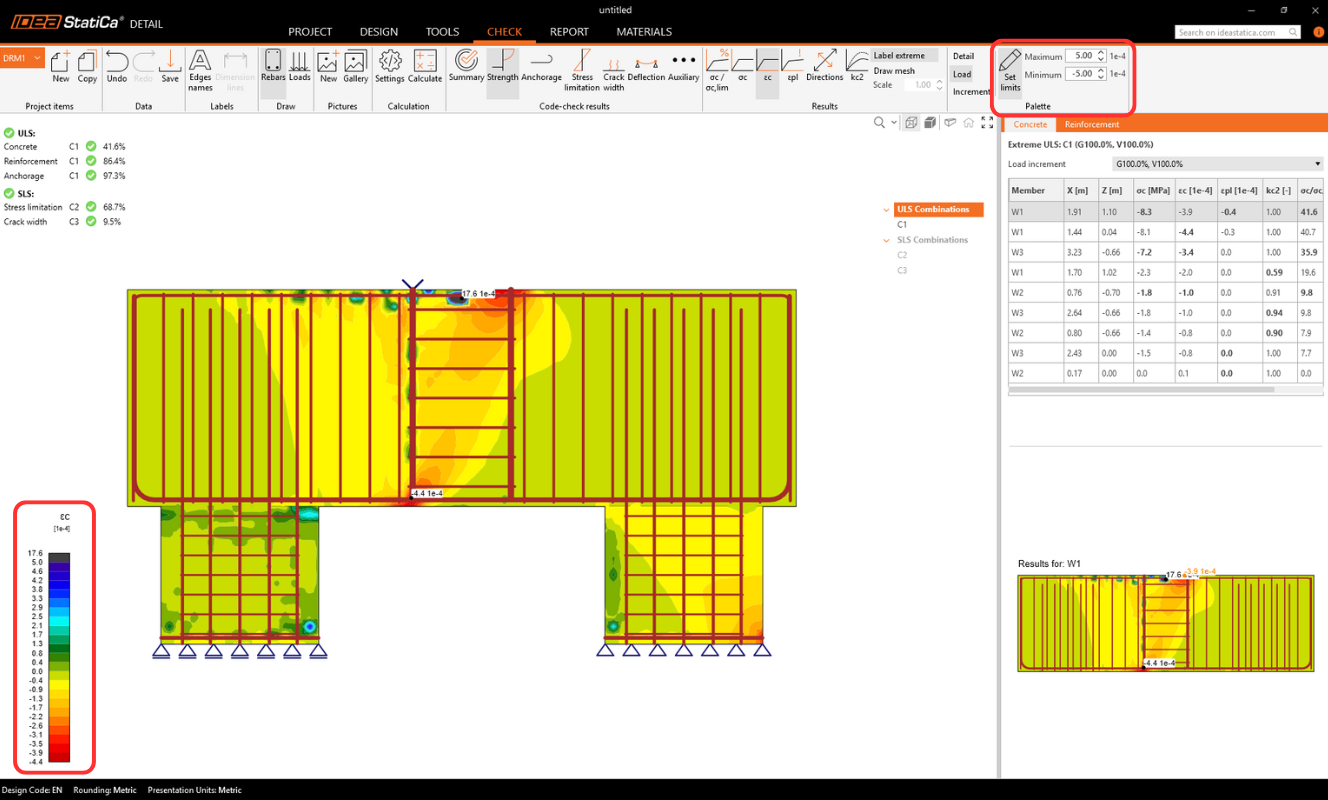
In the main ribbon, it is also possible to set custom limits for the color palette used to display results. This is particularly useful in cases where peaks with concentrated stresses occur, which would otherwise make it difficult to read the results and see the stresses in the rest of the structure.
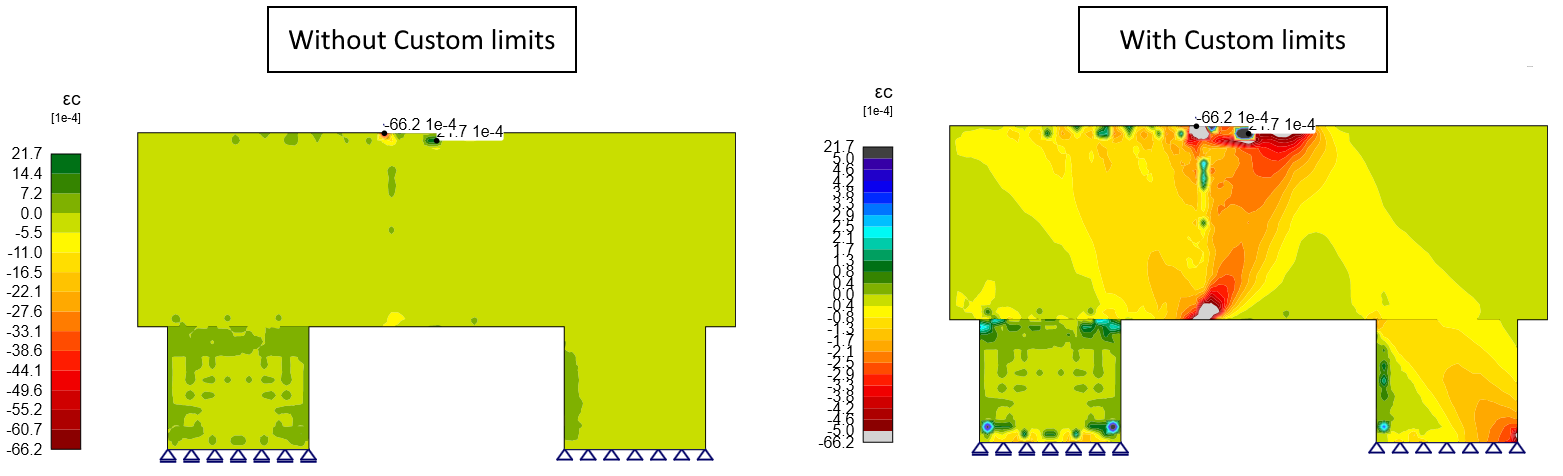
These settings are temporary (not saved with the project), but they are saved for each view. So when switching from one result to another and back, your settings are persistent. Moreover, figures can be saved to the gallery and then added to the report.
Drawing results for selected reinforcement only
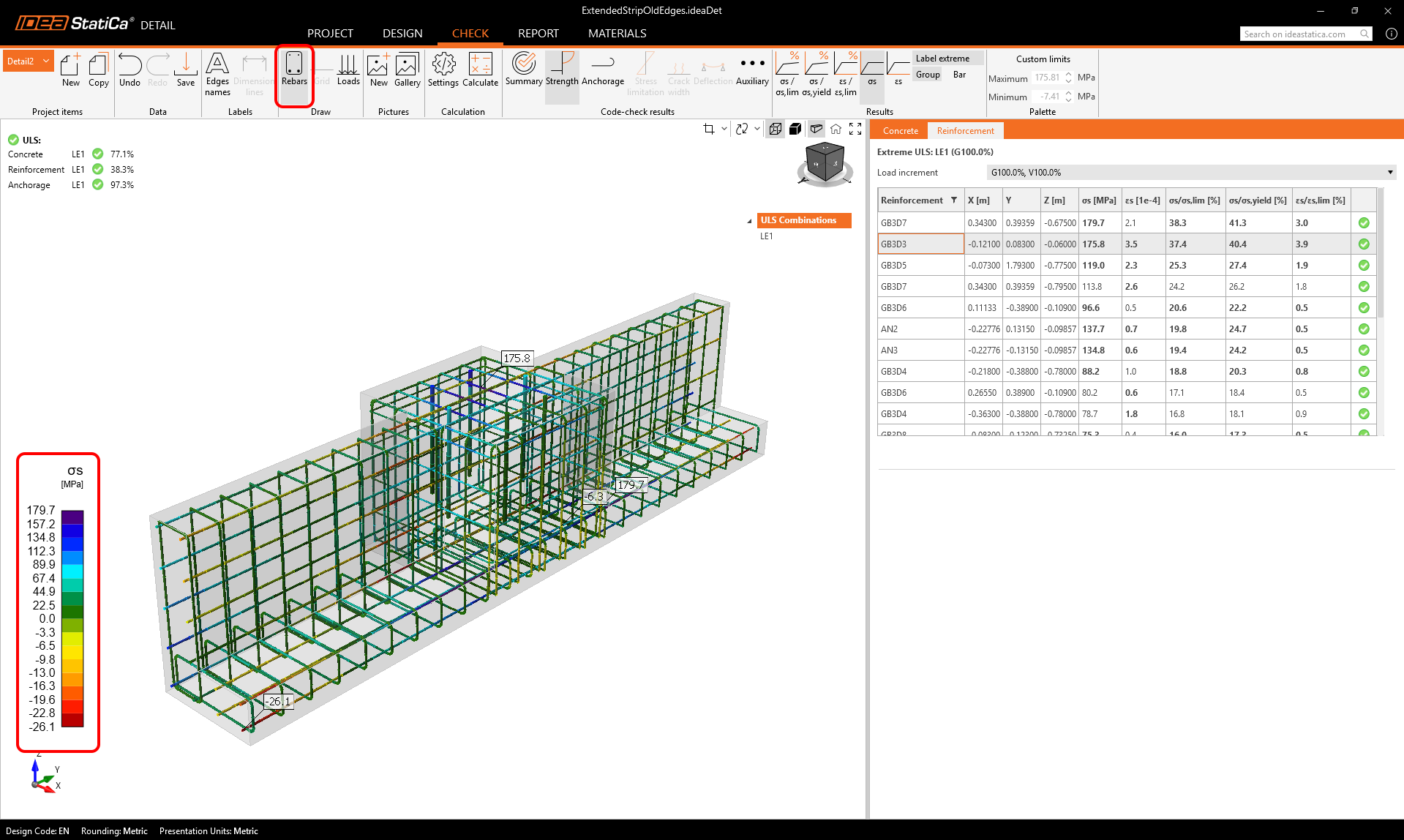
For Strength results on reinforcement (e.g., stress, strain) and Anchorage results (e.g., bond stress, Ftot, Flim) there is option to display only selected reinforcement.
The option can be found it the main tab:
- When Rebars = ON, result plots display on all reinforcement groups (default behavior).
- When Rebars = OFF, the scene shows results only on the reinforcement group currently selected in the Results table (vprvoright Property Grid).
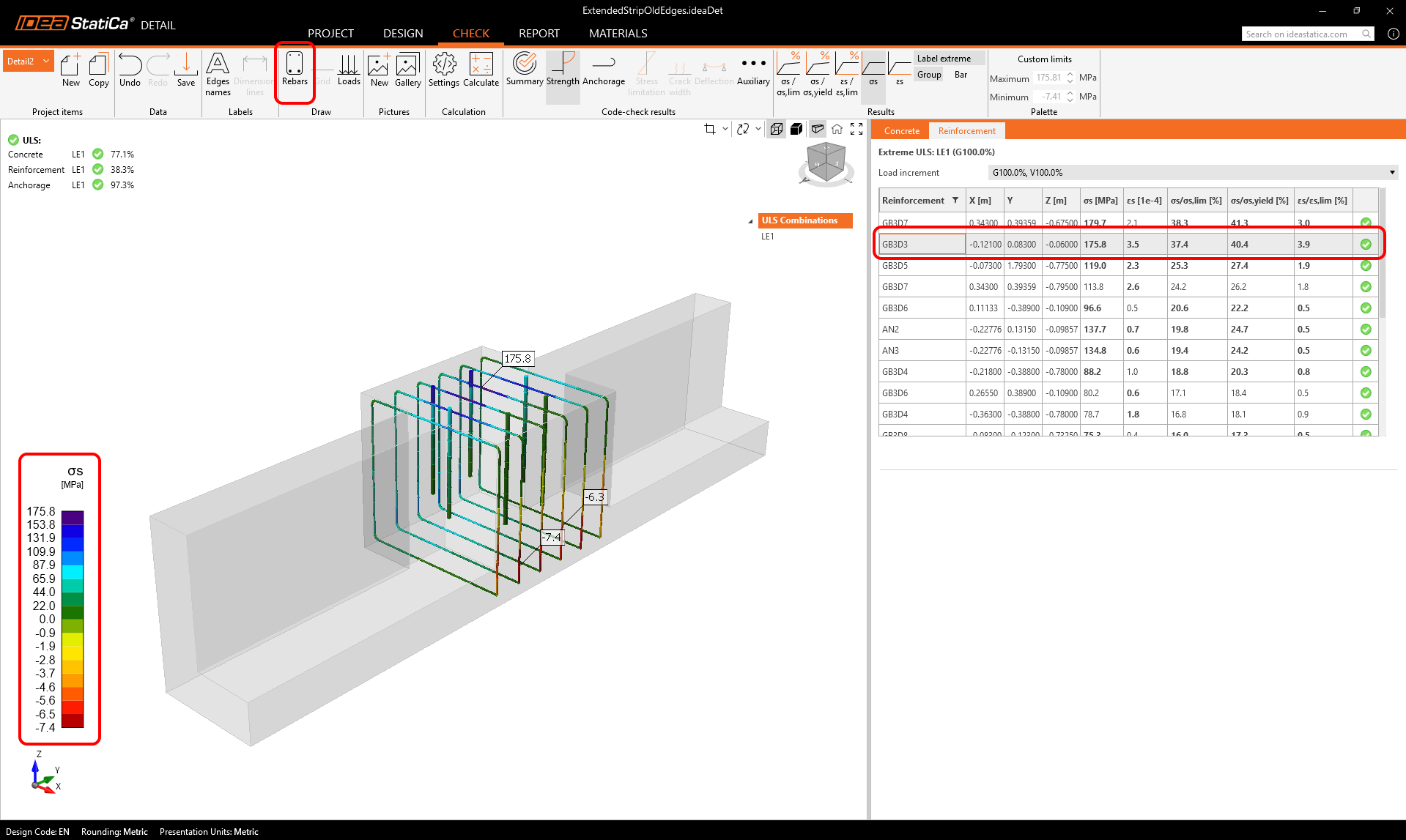
Any filtered view can be saved to the Gallery as a user-defined image and then inserted into the report, eliminating the need for external editing.