
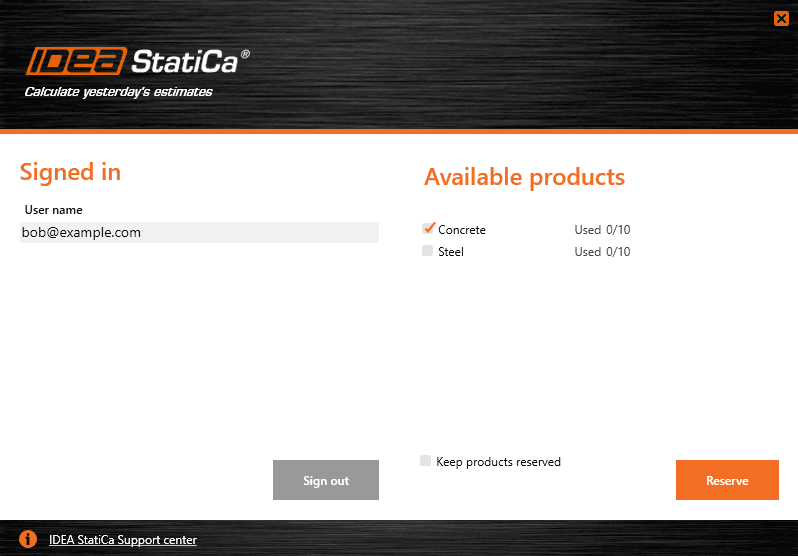


IDEA StatiCa allows for efficient usage of purchased products in your office. If your organization has, for example, licenses for steel and concrete applications, you can select which group of products you want to use. If you do so, then any time you Sign in, you will block only selected license products, leaving the rest for your colleagues.
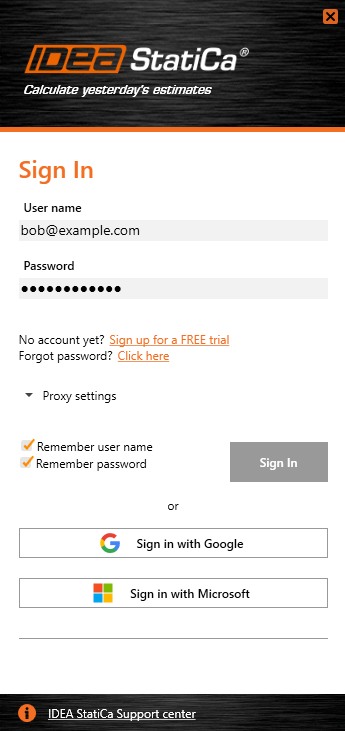
How to select which products I want to use
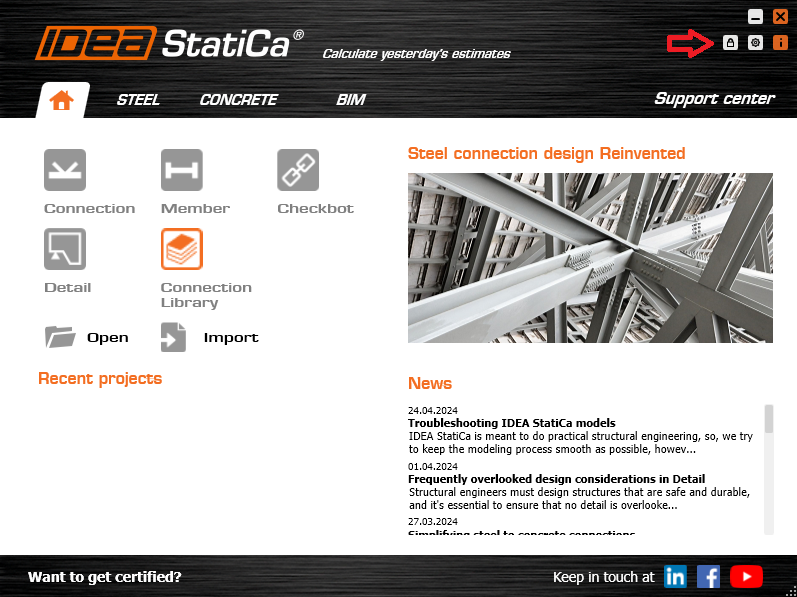
Open IDEA StatiCa and go to the license setup (click on the “Lock” icon).
Here, you can see your User name and the list of available products (only purchased products are displayed). Select the products you want to use by checking/unchecking them and press the Reserve button.
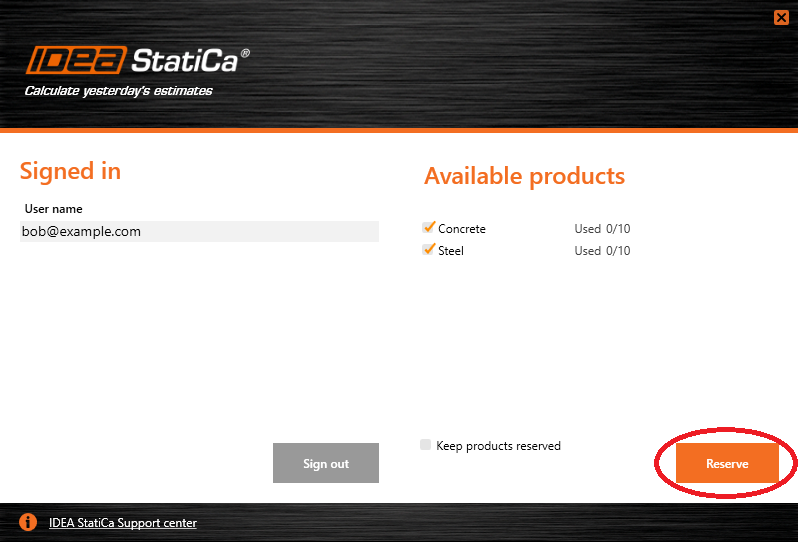
By default, all available products are selected the first time you Sign in. Use the Release button if you would like to release (i.e., return) the product back to the license pool.
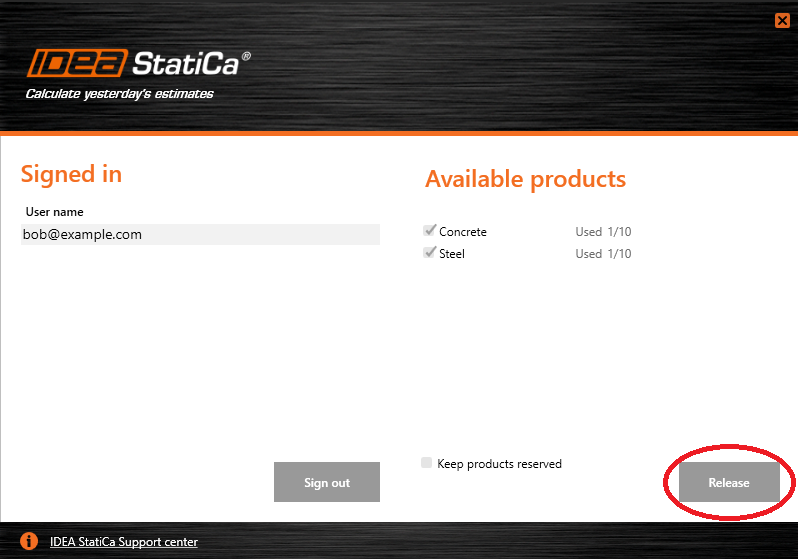
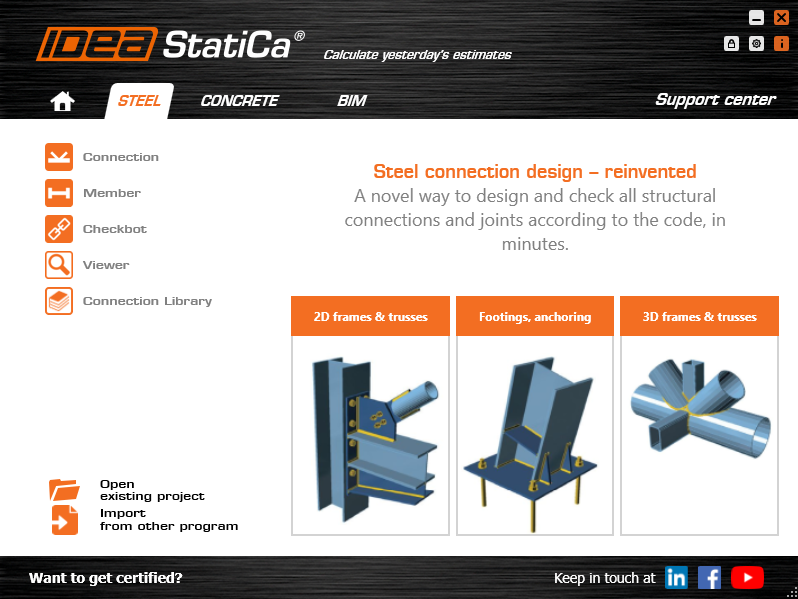
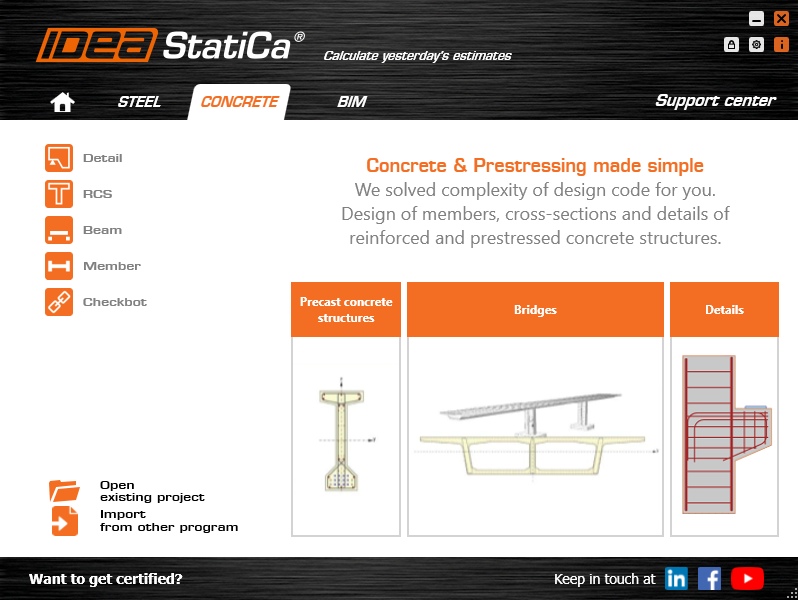
Let's see an example. Your company has purchased a license with two products - IDEA StatiCa Concrete and IDEA StatiCa Steel. If you select only the "Steel" product, IDEA StatiCa on your PC will only allow you to launch applications for steel (Connection, Member, Checkbot, etc.). Concrete applications (Detail, Beam, RCS, Member, etc.) will not be available to you, and you will not block them by consuming the Concrete product from the license pool of your company.
If you want to stop using IDEA StatiCa Steel and use IDEA StatiCa Concrete instead, change your license product selection. First, release the reserved product for Steel and then choose the Concrete product.
What does the "Keep products reserved" mean?
This checkbox defines if you want to use the offline activation window or not. Are you and your colleagues online all the time and want to share the license quickly? Or do you want an option to leave the office and finish your work on the road without an Internet connection? You can do both with the licensing of IDEA StatiCa.
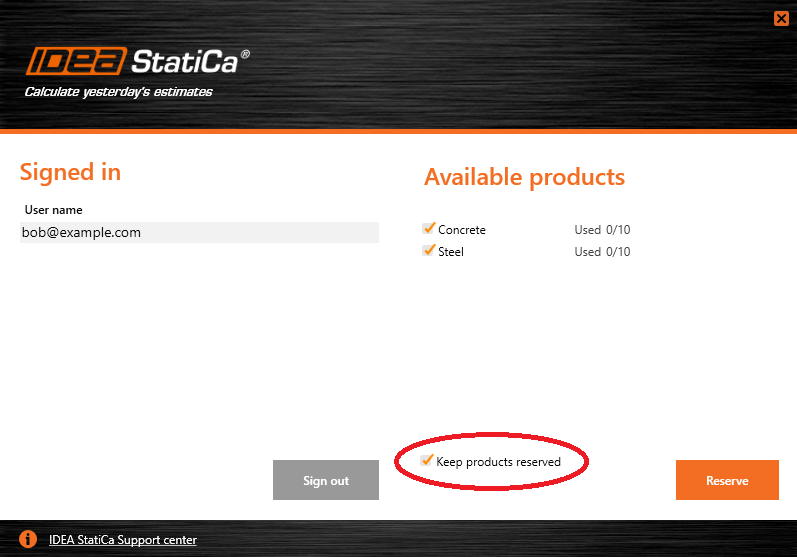
If “Keep products reserved” is checked, the license stays on your computer for one hour without the need to be connected to the Internet. Nobody else can access it. You can switch your PC off and on during this time. This is useful for work trips, home offices, or workplaces with an unstable Internet connection. Admin of your license can change the default 1-hour check interval in the User portal.
If this checkbox is empty, the license seat will be returned to the license pool after you close all IDEA StatiCa applications, and other users in your organization can use the license immediately. This requires a connection to the Internet. This is useful for bigger engineering offices with a stable Internet connection.
If you need any assistance, navigate to the User Portal and submit a support case for licensing. You can also search the Support Center for the licensing FAQs and knowledge base articles.