Idea Statica
Steel
Steel overview
Connection design
Member design
Parametric design
Steel case studies
Concrete
Concrete overview
Walls and D-regions
Anchoring design
Concrete case studies
BIM & Workflows
BIM Overview
Supported integrations
Checkbot
Viewer
APIs
Support & Learning
Support Center
E-learning & certification
Blog
Downloads & Licensing
Pricing
Plans
Free community tool
Enterprise customers
Students & educators
How much will you save?
Company
About us
Contact
Research & development
Authorized resellers
Meet our customers
14-Day Trial
Support CenterWebinarsConnection Wednesdays – BIM Link IDEA StatiCa and ETABS
Connection Wednesdays – BIM Link IDEA StatiCa and ETABS
WebinarSteelConnection designETABSConnection

Connection Wednesdays – BIM Link IDEA StatiCa and ETABS

This webinar is also available in
ENCSDE

Streamed on

March 3, 2021 / 11:00

(in your local time, 24-hour format)

Play webinar

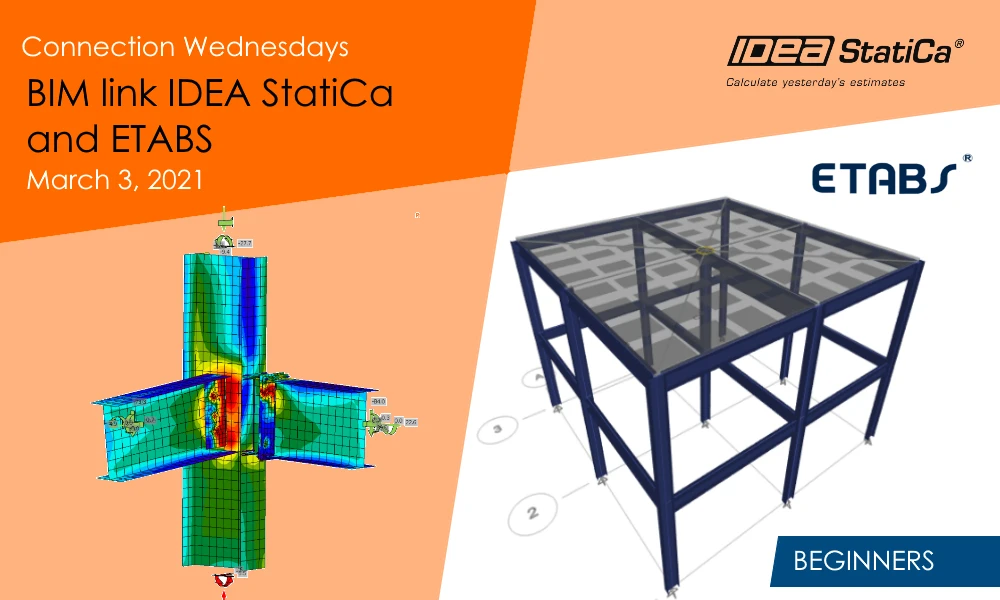
The BIM links are an indispensable part of IDEA StatiCa. It can save plenty of time when designing complex joints. With a quick transfer of loads, the structural engineer can focus on the design of joints – analyses and code-checks are done according to the selected standard in a CBFEM calculation.

Join the webinar and learn about

Join the webinar series and learn about:

  • How to integrate the ETABS BIM link and run it for the first time
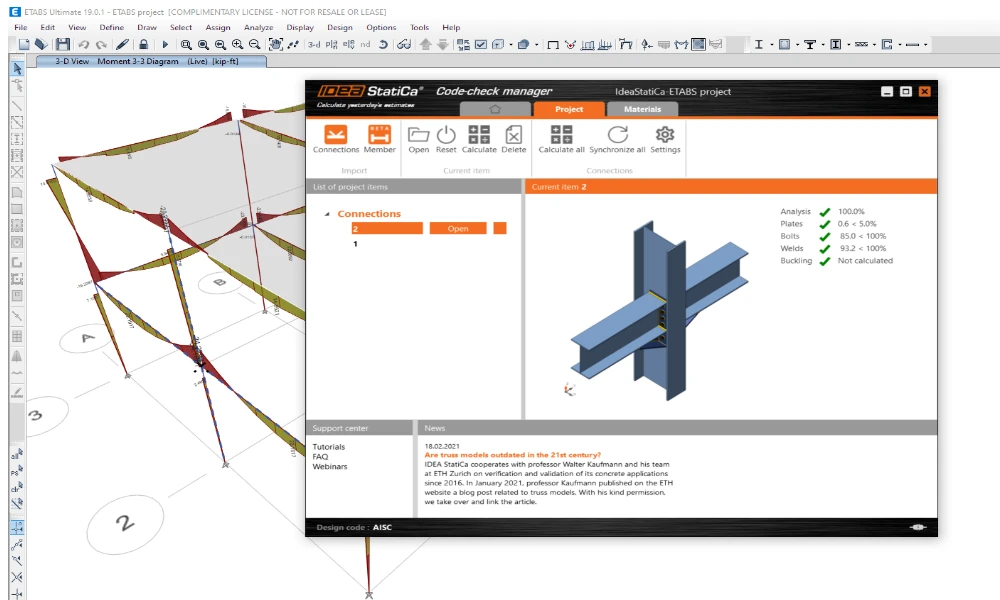
  • Features of Code-check manager
  • How to export one or multiple connections
  • What results will I get and how to print a report
  • What to do if updates of the model are necessary
  • How to export into DWG file
  • How to deal with friction

Speakers

  • Adam Kozousek

    Adam Kozousek

    Product Engineer IDEA StatiCa

  • Alexander Szotkowski

    Alexander Szotkowski

    Product Engineer IDEA StatiCa

One of the top FEA software is certainly ETABS produced by CSI. No wonder the BIM link for this software is available in IDEA StatiCa as well. The users can save time using it instead of creating the detailed model of the connection from scratch. In the webinar, we will present the ETABS BIM link in detail and show you the step-by-step procedure.

Of course, we will take advantage of all the latest features of the Code-check manager for BIM links. Any later project changes in the FEA model? Don’t worry, the link can automatically synchronize the exported model in few steps.

As usual, we will also go through one “HelpDesk highlight” in the second part of the webinar. This time, we will discuss why the CBFEM model in IDEA StatiCa can not directly calculate and code-check friction between plates and how to deal with it.

Webinar recording

Webinar recording

Subscribe to our newsletter

Company

  • About us
  • Partnerships
  • Job openings
  • Patented technology for structural engineers

Resources

  • Customer projects
  • Case studies
  • IDEA StatiCa Connection Library
  • Concrete verifications

Legal

  • IDEA StatiCa END USER LICENSE AGREEMENT
  • Privacy policy
  • Terms of Services – IDEA StatiCa Viewer
  • Licensing

Help

  • Contact
  • Get price quote
  • IDEA StatiCa Specialists
  • Download the latest version
FacebookInstagramLinkedInYouTube

© IDEA StatiCa 2009-2026

Trusted and used worldwide by engineers, fabricators & consultants.