
- How to use the right mouse button for design
- Usage of the parametric templates
- Sharing of the user-defined material and bolts
- Tips and tricks for more effective design in IDEA StatiCa Connection
WebinarSteelConnection designConnectionManufacturing operations
Templates and sharing – more effective workflow of joint design
This webinar is also available in


Streamed on
(in your local time, 24-hour format)
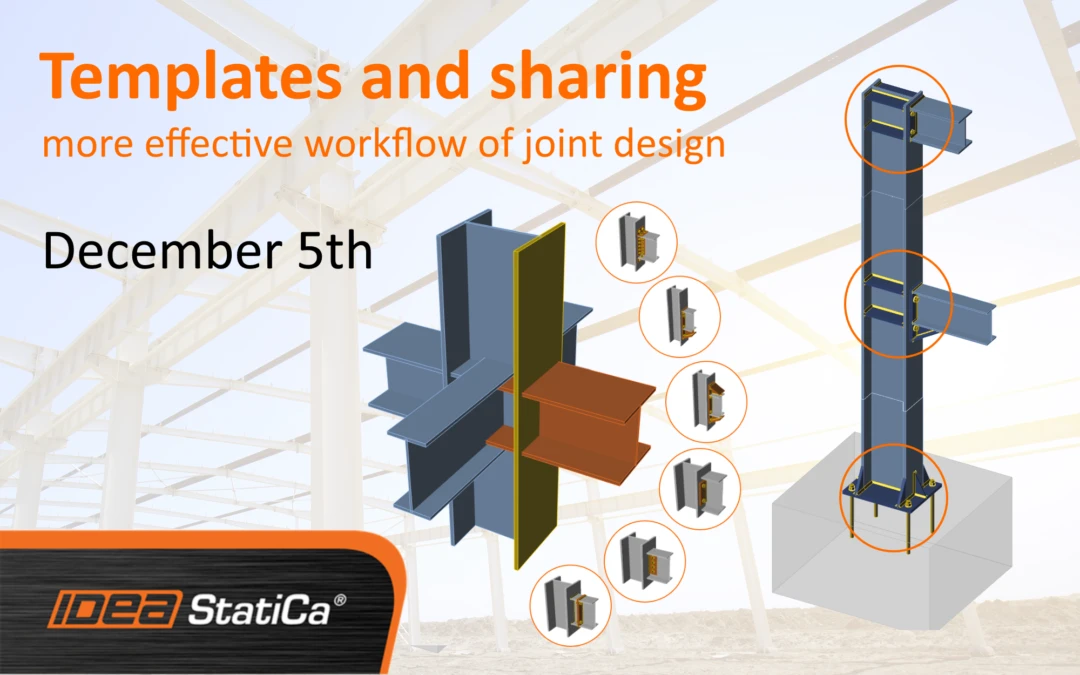
Join our new IDEA StatiCa Connection webinar where we are going to talk about templates, material library, and sharing of the user-defined data this time.
Watch the webinar and learn about
Speakers

David Kucera
Product Engineer IDEA StatiCa

Vit Hurcik
Product Engineer IDEA StatiCa
The possibilities of speeding up the joint design by using the templates will be discussed. We are going to show you how the complicated joints can be designed by simple parametric templates. In the webinar will be also shown how to share user-defined materials.
Agenda:
- Theoretical intro – introduction to the templates, right mouse button
- Set of three simple connections on one frame designed by templates
- Material library workflow, the definition of user-defined material and data migration
- Complicated joint design by parametric templates with 3D scene workflow
Join our experienced Product Engineers and calculate yesterday’s estimates!